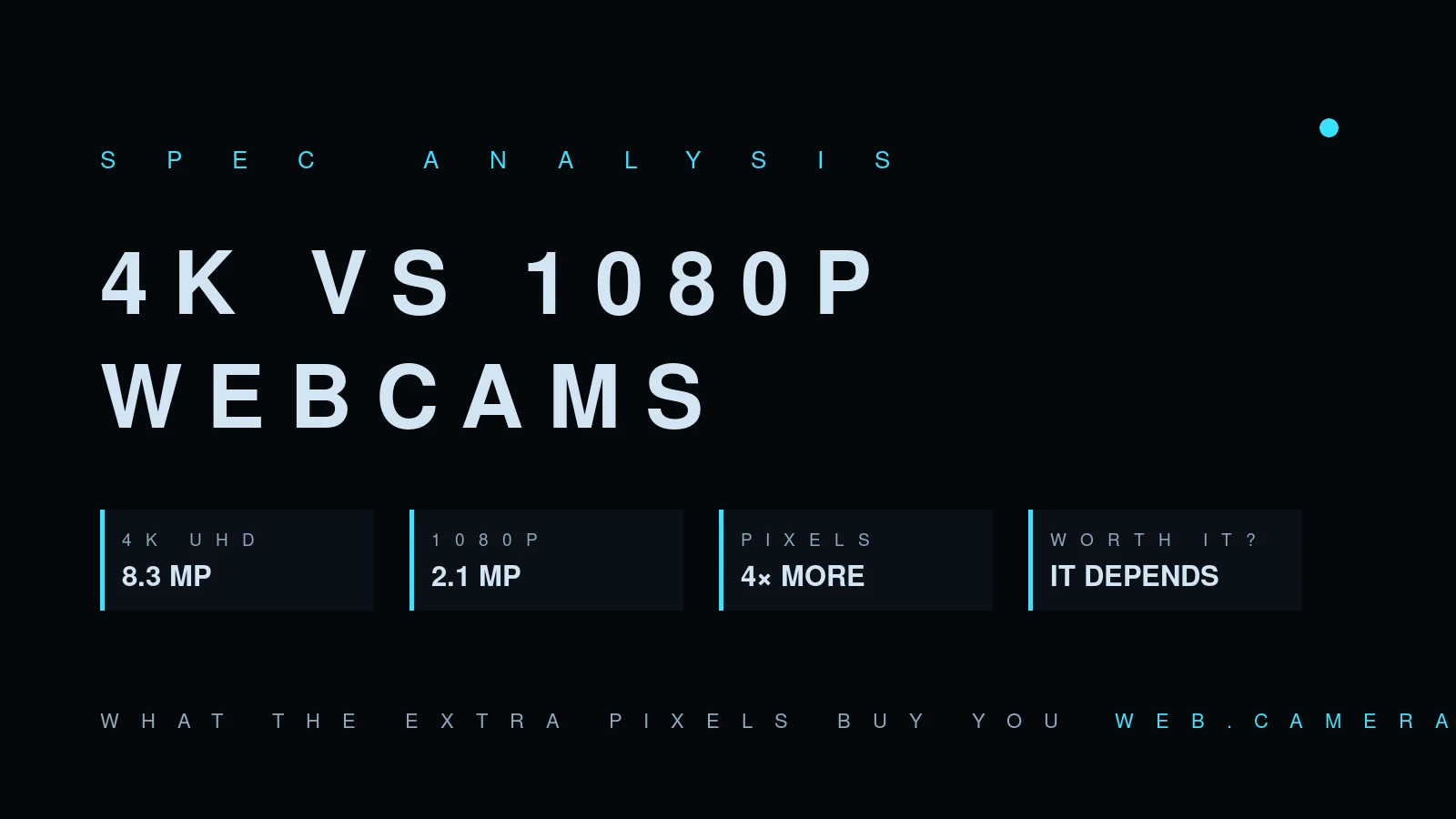
4K vs 1080p webcams: what the extra pixels buy you
On paper it's simple: 3840×2160 is 8.3 megapixels, 1920×1080 is 2.1. A 4K webcam captures four times the pixels. The question that matters is different: how many of those pixels ever reach the person on the other end of the call?
What happens to your 4K stream
Conferencing platforms negotiate resolution based on bandwidth, CPU load, window size, and the receiving side's capabilities. In a typical group call, most platforms send well below 1080p per participant — a thumbnail-sized tile doesn't get a 4K stream no matter what camera feeds it. Even in a one-to-one call with good bandwidth, the encoder compresses aggressively, and compression artifacts erase fine detail long before resolution becomes the bottleneck.
This is measurable, and it shows up in our data: the camera database records what browsers actually negotiate with cameras across thousands of real sessions, and delivered resolution routinely sits below the hardware's claimed maximum. You can check your own camera's real output in the browser webcam test — the number it reports is what apps can get from the hardware, before the platform compresses it further.
Where 4K genuinely helps
The extra pixels aren't useless — they're just useful in specific, mostly local ways:
- Digital reframing. Cropping a head-and-shoulders frame out of a 4K capture still leaves you more than 1080p. This is how gimbal-free webcams do "AI framing" without a motor, and it's the strongest practical argument for 4K.
- Recording. If you record locally — screencasts, YouTube, course material — the platform's compressor is out of the loop and 4K detail survives.
- Digital zoom on documents or demos. Showing a circuit board or a whiteboard, the crop headroom is real.
- Sensor side-effects. 4K webcams are usually the manufacturer's flagship, so they tend to get the bigger sensor, better lens, and better tuning. You're often paying for those, not the pixel count — and they help at any resolution.
Where 1080p is the smarter buy
For pure video calls, a good 1080p camera with a large sensor beats a cheap 4K camera with a small one, every time. A small-sensor 4K module has tiny photosites that starve in ordinary room light; the result is noise, smoothing, and the evening frame-rate drop explained in why webcam FPS drops in low light. Four times the pixels, each a quarter as good, is not an upgrade.
There's also a system cost: 4K capture burns noticeably more USB bandwidth and CPU, which on older laptops means fans, heat, and dropped frames in the encoder — a worse call, delivered in higher nominal resolution.
Sharpness is not resolution
The other half of the confusion: most "soft" webcam video isn't short of pixels at all. Perceived sharpness comes from the lens resolving fine detail onto the sensor, from noise levels low enough that the camera doesn't smear detail away with noise reduction, and from the compressor having bandwidth to keep what's left. A mediocre lens in front of a 4K sensor produces 8.3 million pixels of soft image — upscaled blur, delivered with a straight face. This is why two "1080p" cameras can look a class apart, and why our device database tracks measured results per model rather than trusting the resolution line on the box: the number is the easiest spec to print and the least informative one to buy by.
If your goal is "look sharper on calls," the effective order of operations is: light (biggest effect, cheapest), then lens/sensor quality, then resolution. Two of those three have nothing to do with 4K.
The bandwidth and CPU bill
4K isn't free even when it works. Uncompressed-ish 4K30 over USB wants sustained bandwidth that shares a bus with your other peripherals — plugging a 4K webcam into a crowded USB hub is a classic source of mystery frame drops. On the computer side, encoding a 4K stream for a call costs real CPU on machines without hardware encoders for the codec your platform picks; the practical symptom is fan noise and a laggy screen-share, not a better picture. If you buy 4K, give it its own port, and if your laptop predates ~2020, check CPU usage during a test call before trusting it for an important one — the pre-call checklist has the rest of that routine.
The verdict
Buy 4K if you record locally, need crop-based framing, or are buying a flagship anyway for its sensor. Buy good 1080p — with the biggest sensor you can afford — if your camera exists for Zoom, Meet and Teams. And if your current camera disappoints, measure it first: if it's delivering 720p in your actual light, the fix is more likely a lamp than a resolution tier. Our 2026 webcam roundup has specific picks at both resolutions.