Ring lights and webcam image quality: what matters
Here's the uncomfortable economics of webcam quality: a $30 light frequently improves your on-camera image more than a $200 camera upgrade. The reason is in the sensor physics — webcam sensors are small, and small sensors are good in bright light and bad in dim light, with a steep cliff between. Add light and you pull the camera back from the cliff: noise drops, smoothing relaxes, and the frame rate stops sagging (the mechanism detailed in why webcam FPS drops in low light).
The ring light is the most popular way to add that light. It's genuinely good at the job — when the right one is placed correctly. Both parts go wrong constantly.
Why a ring, specifically
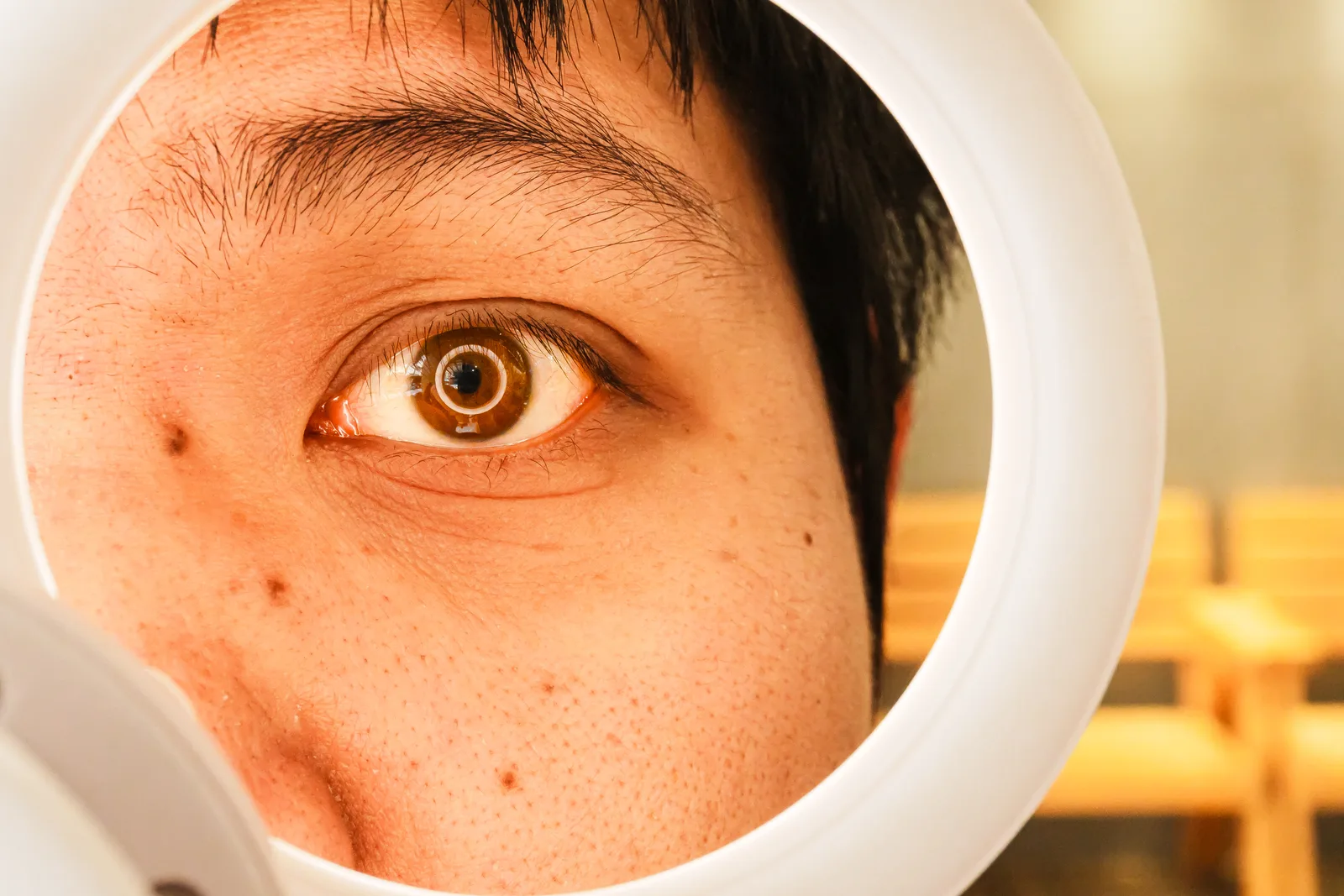
A ring light mounts around or near the lens, so light hits your face straight-on from the camera axis. That produces even, nearly shadowless illumination — flattering in the way beauty-dish portraiture is — plus the signature circular catchlight in the eyes, which reads as "alive" on camera. Because it's on-axis, it also works in cramped desks where an off-axis softbox has nowhere to stand.
The same on-axis property is its weakness: perfectly flat light erases facial dimension, and anything reflective in front of it — glasses above all — mirrors the ring right back into the lens.
The specs that matter
- Size and distance. Light softness depends on the source's size relative to the subject — big and close is soft; small or far is harsh. A 10-inch ring is a desk accessory: fine at arm's length, harsh from a meter away. If the light must sit farther back (behind the monitor), buy 18-inch. This one dimension explains most ring-light disappointment.
- CRI (color rendering index) 90+. Cheap LEDs with low CRI render skin gray-green, and no white-balance setting fully fixes it, because the light is missing parts of the spectrum. 95+ is better still; this is the spec most worth paying for.
- Adjustable color temperature (bi-color, ~3000–5600 K). Not for style — for matching. Mixed light is what confuses webcam auto white balance: a 5600 K ring fighting warm room lamps gives you a half-blue, half-orange face. Match the ring to the room's dominant light, or overpower the room.
- Flicker-free dimming. Low-quality PWM dimming that looks steady to the eye can beat against the camera's shutter as rolling bands, especially at low brightness. Reviews and product pages that state "flicker-free" at all brightness levels are addressing exactly this.
- Brightness headroom you'll dim into, rather than a light running at 100%: LEDs driven softer also flicker less and shift color less.
Placement, and the glasses problem
Center the ring on the camera (most mount the webcam or phone in the middle), at eye level or a few degrees above, arm's length away. Then dim it to balance the room rather than nuke it — the goal is your face one gentle stop brighter than the background.
If you wear glasses, the on-axis ring is the worst possible geometry: you get two bright circles floating on your lenses. The fixes, in order of effort: raise the light higher and tilt it down; move it 20–30° off to the side (you trade some evenness for clean lenses); or switch to a small softbox/panel off-axis, which is what glasses-wearing streamers converge on.
A ring light is also not a rescue for a window behind you — backlight is a framing problem, not a wattage problem. The look better on webcam guide covers that ordering: position first, then light.
If not a ring: the alternatives, briefly
The ring is the default, not the only answer. A small LED panel or softbox placed 30–45° off-axis costs about the same, adds gentle facial dimension the flat ring can't, and solves the glasses problem outright — the trade is a bit of desk or stand space. A clip-on key light (the streamer-style mini panel on a monitor mount) is the tidy-desk version of the same idea. And the zero-dollar option remains the best light most people own: a window, in front of you rather than behind, with the ring or panel reserved for evenings. Whichever source you use, the same specs apply — size relative to distance, CRI, temperature matching — because they're properties of light, not of rings.
It's also worth naming what no light fixes: a backlit silhouette (move the framing, not the wattage), a camera capped at 720p, or a lens covered in fingerprints. Light is the multiplier on a working setup, not a substitute for one.
Verify with measurements, not vibes
Run the browser webcam test before and after: same seat, same time of day, light off, then on. Watch two numbers — delivered frame rate and the visual noise in the shadows. If the light is doing its job, the frame rate holds where it used to sag and the smoothing artifacts recede. Ten minutes, and you'll know whether your next upgrade should be a better camera — or whether the $30 ring already solved it.