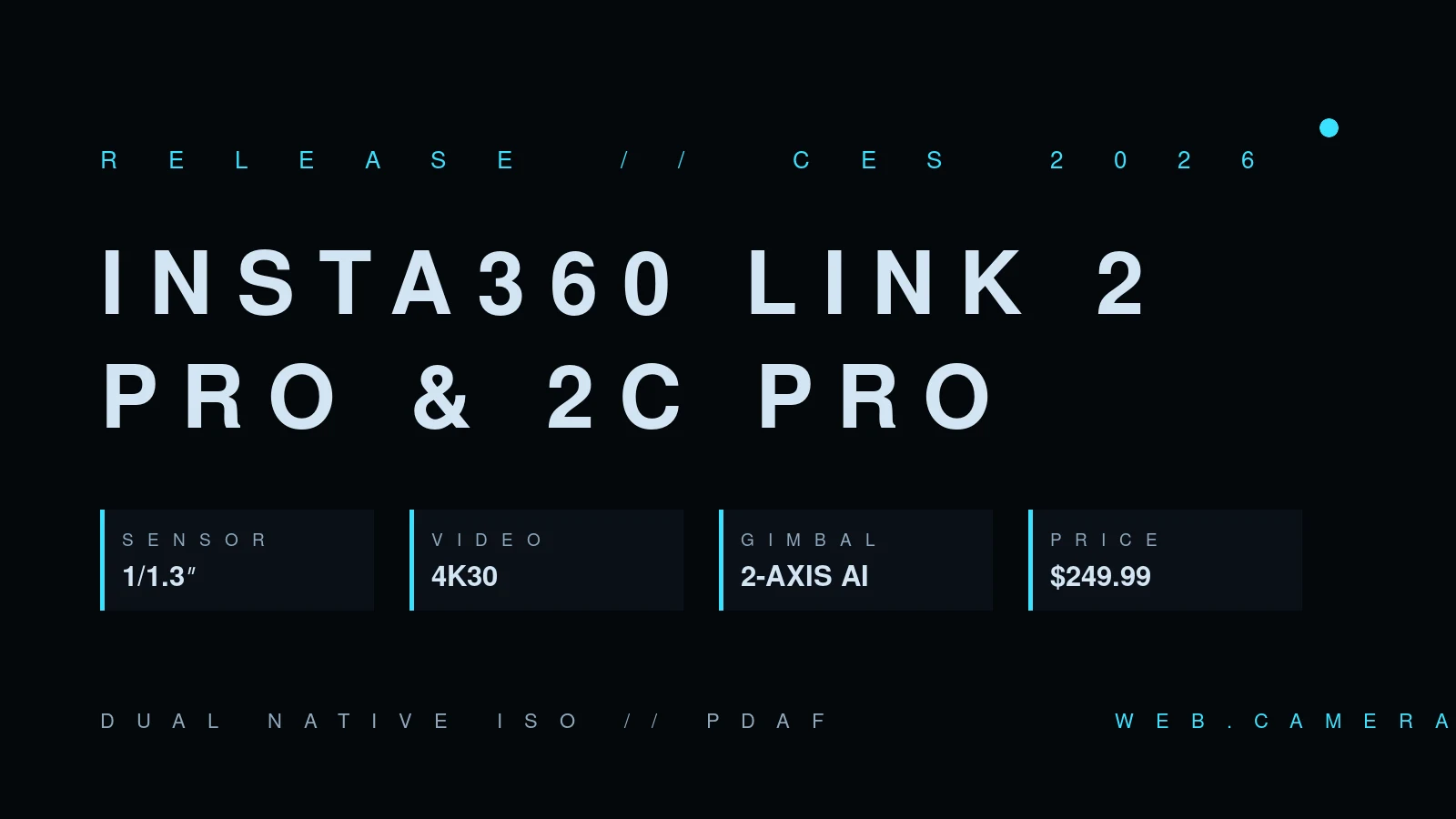
Insta360 Link 2 Pro: a bigger sensor for 4K webcams
Webcam spec sheets are full of numbers that don't matter. Sensor size is the one that does — and it's the headline change in the Insta360 Link 2 Pro and Link 2C Pro, the flagship webcams Insta360 introduced at CES 2026 and now ships worldwide at $249.99 and $199.99.
Both models move up to a 1/1.3-inch sensor. For context, the classic mid-range webcam sensor is around 1/4-inch, and even most "premium" 4K webcams sit at 1/2-inch or smaller. Sensor area scales with the square of that fraction, so a 1/1.3-inch chip collects several times the light of the sensors most webcams still use. That translates directly into the two things people actually notice on a call: less noise indoors, and less of the frame-rate collapse that hits small sensors when the room gets dim — the mechanism we walk through in why webcam FPS drops in low light.
What the two models share
Insta360 splits the line by mounting hardware, not imaging. Both cameras record up to 4K at 30 fps and share:
- Dual native ISO. Two analog gain paths on the sensor, one tuned for bright scenes and one for dim ones. It's a technique borrowed from cinema cameras, and it's why the low-light claim here is more credible than the usual marketing line.
- Phase-detection autofocus. Insta360 brands it "True Focus"; the practical benefit is that focus locks onto a face quickly instead of hunting the way contrast-detection webcams do when you lean back.
- A two-microphone array — one omnidirectional, one directional — with beamforming and AI noise cancelling, plus four selectable pickup modes (Standard, Original, Wide, Focus). Webcam mics remain the weakest part of every webcam we've seen, so a directional array is welcome; whether it beats even a cheap dedicated mic is another question — you can judge your own setup with the browser mic test.
- Software extras: gesture control, scene presets, DeskView, whiteboard mode, one-tap green screen, and an AI meeting assistant (InSight) that produces transcripts and summaries. There's also Elgato Stream Deck integration for hardware control.
Pro vs 2C Pro
The Link 2 Pro ($249.99) keeps the line's signature 2-axis gimbal: the camera physically pans and tilts to follow you, with single-person and group framing modes. The Link 2C Pro ($199.99) is the static version — same sensor and optics, with AI auto-framing done by cropping instead of moving.
If you sit still at a desk, the gimbal is a novelty; digital reframing on a 4K sensor covers a presenter drifting around a whiteboard just as well in most rooms. The gimbal earns its $50 when you genuinely move — standing demos, workshops, teaching.
The measured-data caveat
A bigger sensor raises the ceiling, but the delivered image still depends on the pipeline: the lens in front of it, the tuning, and — on the receiving end — what your conferencing app does to the stream. Zoom, Meet and Teams all recompress aggressively, and plenty of "4K" webcams never deliver 4K to the person on the other side.
That gap between claimed and delivered specs is exactly what our camera database exists to measure: real resolution and frame rate reported by browsers across thousands of sessions, not spec-sheet numbers. Once Link 2 Pro units show up in the data, we'll see how much of that 1/1.3-inch advantage survives contact with reality.
The AI meeting assistant, and what it implies
InSight, the bundled meeting assistant, transcribes calls and produces summaries and action items. Useful — and worth a moment's thought before rolling out at work, because a webcam that ships with transcription is a webcam that processes meeting audio beyond your device. If your organization has rules about where meeting content may be processed (most regulated industries do), check where InSight runs and what it retains before enabling it. The camera itself needs none of this to function; every AI feature here is optional software on top of a standard UVC device, which also means the cameras work on Linux and in any browser without Insta360's apps installed.
The same "it's just UVC underneath" property cuts the other way, too: features like scene presets, the green screen, and gesture control live in Insta360's desktop software, so a corporate laptop that can't install it gets a very good — but conventional — 4K webcam for its $250.
Should you care?
At $249.99 the Link 2 Pro competes with the Razer Kiyo Pro Ultra and Logitech's MX Brio at the top of the webcam market — and its sensor is in the same size class while undercutting the Razer on price. If your current camera is a built-in laptop module, though, the honest advice doesn't change: almost any external camera is a bigger upgrade than the difference between two flagships, as the measurements in laptop camera vs external webcam show.
There's also the timing question. These cameras launched at CES in January and have now been on shelves for over half a year — long enough for early-firmware complaints to be found and patched, which is genuinely the best time to buy a flagship webcam. The premium tier moves slowly; nothing announced since has changed the landscape at $250.
Before spending anything, test what your current camera actually delivers — resolution, frame rate, and low-light behavior, right in the browser. Knowing your baseline is the only way to know whether a $250 webcam buys you anything at all.