Your phone as a webcam: Continuity Camera and Android
The best camera most people own isn't their webcam — it's the phone lying next to the keyboard. Phone camera modules are years ahead of webcam modules: bigger sensors, faster lenses, and image processing that laptop cameras can't match. Both major platforms now make borrowing that camera nearly effortless.
iPhone + Mac: Continuity Camera
If you're in the Apple ecosystem, this is the shortest path. With macOS Ventura or later and an iPhone XR or newer on iOS 16+, the iPhone appears automatically as a camera in FaceTime, Zoom, Chrome — anything that lists webcams — as long as both devices share an Apple ID with Wi-Fi and Bluetooth on. No app, no cable (though a cable helps for long calls, since streaming drains the battery).
You also get Desk View (an overhead view synthesized from the ultra-wide lens), Center Stage auto-framing, and Studio Light. The delivered image is dramatically better than any built-in Mac camera — which our data on laptop cameras vs external hardware would predict.
Android: native USB webcam mode
Since Android 14, this is built into the OS: plug the phone into a computer over USB, choose USB → Webcam in the connection options, and the phone presents itself as a standard UVC camera — no drivers, works on Windows, macOS, Linux and ChromeOS alike, because it's the same protocol every ordinary webcam speaks. Support varies slightly by manufacturer, but Pixels and most current flagships ship it.
The catch: the native mode is capped conservatively (commonly 720p–1080p depending on device). Plug in and run the webcam test to see what your phone actually delivers over USB — it's the same number every video app will get.
Cross-platform apps: Camo, DroidCam and friends
For iPhone-to-Windows, higher resolutions, or manual control (exposure lock, lens choice, zoom), third-party apps fill the gaps. Camo and DroidCam are the established options: an app on the phone, a companion driver on the computer, connection over USB or Wi-Fi. Free tiers handle basic 720p–1080p; paid tiers unlock resolution and controls. Wi-Fi modes add latency and the occasional stutter — prefer the cable for anything that matters.
Making it not look like a phone propped on books
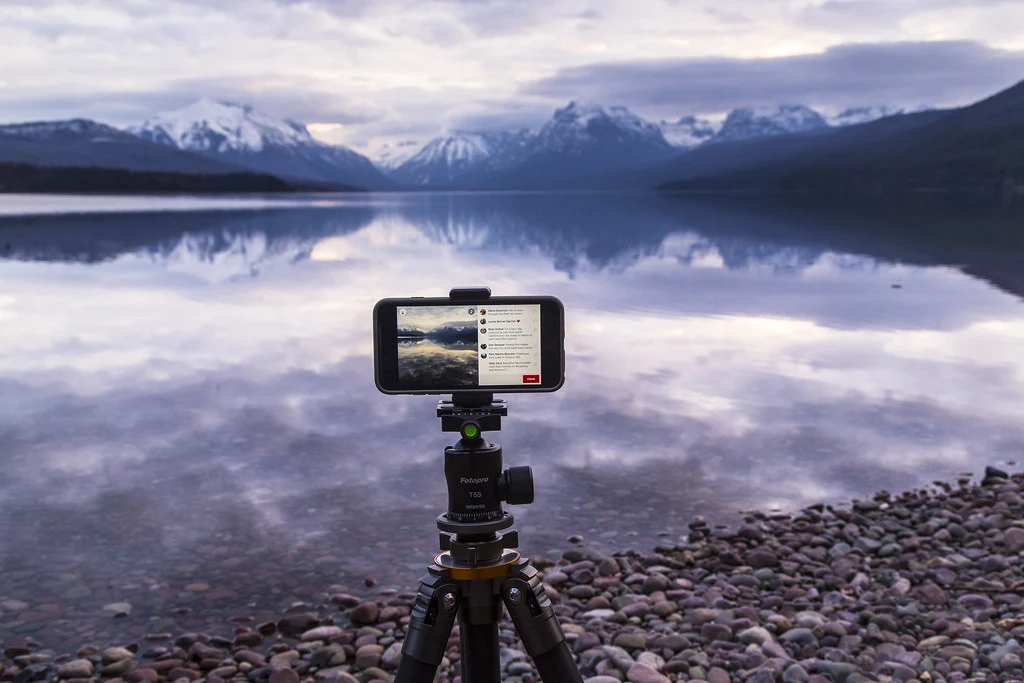
- Mount it. A $15 phone clamp on a small tripod, lens at eye level, landscape orientation. A phone lying against the monitor shooting up your chin undoes the camera advantage entirely.
- Use the rear camera where the app allows it — it's substantially better than the selfie camera on almost every phone.
- Lock exposure on your face. Phone auto-exposure chases bright windows exactly like webcams do; the fixes in look better on webcam apply unchanged.
- Kill notifications. Do-not-disturb, or your calendar pops into the meeting.
- Audio still needs solving. The phone-as-webcam pipelines carry video; your voice should come from a headset or USB mic — test it here.
Heat, battery, and the long-call problem
Streaming video is the most demanding thing a phone does short of gaming: camera pipeline, encoder and radio all running continuously. Two practical consequences. First, battery — an hour of wireless webcam duty can eat 20–30% on many phones, so for anything over half an hour, use the cable. Second, heat: phones throttle the camera pipeline when they get hot, and some will simply drop the stream. Keep the phone out of direct sun, take it out of a thick case for marathon sessions, and — counterintuitively — charging while streaming adds heat, so a phone that runs cool unplugged at 80% charge can be the more stable rig than one fast-charging at 100%.
The retirement plan for your old phone
The variant that deserves more attention: a retired phone as a permanently mounted webcam. A three-year-old flagship still carries a camera far better than any $100 webcam, and once it's dedicated, every convenience objection disappears — it lives on the mount, always plugged in, always ready. Set it to do-not-disturb permanently, disable the lock screen, and it becomes an appliance. This is comfortably the best webcam $0 buys, and it keeps working hardware out of the drawer. (One battery caveat: permanently-plugged old phones benefit from a charge limiter — most Android builds and iOS offer one — so the battery isn't held at 100% for months.)
Phone vs buying a webcam
A mounted phone beats every webcam under $150 on pure image quality. What it costs you is convenience: mounting, unplugging when you leave, the phone being occupied. For occasional important calls, the phone is the obvious answer. For all-day meetings, a permanently mounted webcam from our 2026 roundup earns its desk space — and your phone goes back to being a phone.
Whichever route you pick, verify it the same way: connect, then measure the delivered stream in the browser. Continuity Camera, Android USB mode and the third-party apps all negotiate different resolutions on different hardware, and thirty seconds of measurement beats any compatibility table — including this one.