Why webcam microphones sound bad — and what helps
People forgive a soft image. They do not forgive audio that's thin, echoey, or drops syllables — research on remote meetings consistently finds audio quality shapes how competent and credible a speaker seems. Yet the microphone most people use is the worst one in the room: the pair of pinholes on their webcam. That's not a tuning failure. It's physics, and it's worth understanding because the fix is cheap.
Three physical problems no firmware solves
Distance. Sound pressure falls off steeply with distance. A webcam sits 60–100 cm away on top of a monitor; a headset mic sits 5 cm from your mouth. At webcam distance, your voice arrives barely louder than the room — the fan, the fridge, the street. The mic compensates with gain, which amplifies everything equally. This single factor outweighs every other spec.
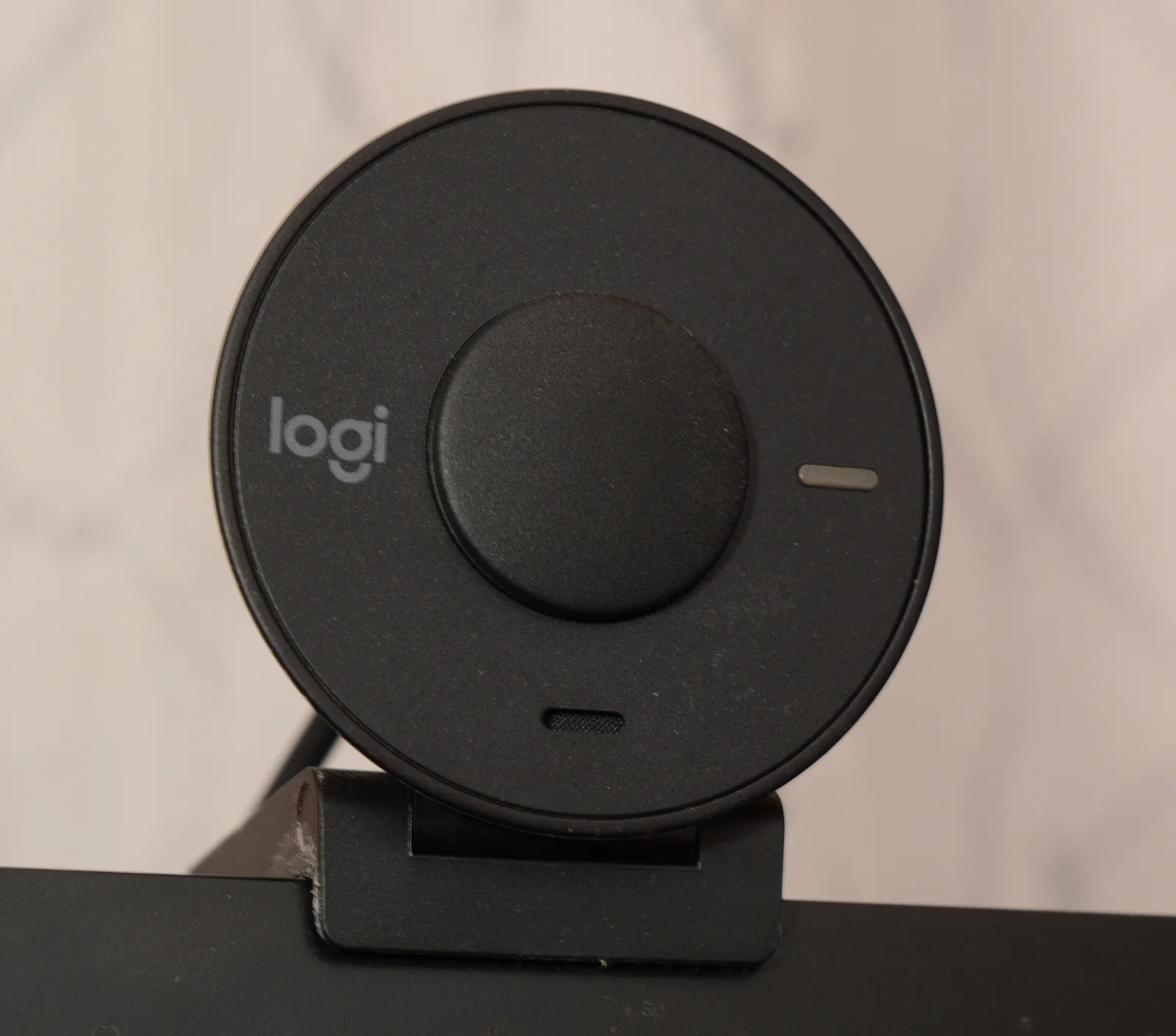
Capsule size and placement. The MEMS capsules inside webcams are millimeters across, chosen to fit behind a pinhole in a plastic bar — a part that costs well under a dollar. Small capsules have higher self-noise and less low-frequency pickup, which is why webcam audio sounds thin. And they're mounted in the worst acoustic position available: against a hard monitor surface, pointed at a person sitting in front of a wall that reflects their voice right back a few milliseconds late. That reflection mix is the "calling from a bathroom" sound.
Processing that fights itself. To rescue the raw signal, firmware and OS stack automatic gain control, noise suppression and echo cancellation. Each helps; together they pump the noise floor between sentences, clip consonants, and turn keyboards into underwater thuds. Newer AI noise cancelling (and beamforming arrays like those in the Insta360 Link 2 Pro) is genuinely better at removing steady noise — but it cannot restore the voice detail that was never captured at distance.
The fix hierarchy, by cost
- Free: use the mic closer to you. A laptop's built-in array is usually closer to your mouth than a monitor-top webcam, and often beats it — select it explicitly in your meeting app. Also move the noise: don't sit between the mic and the fan.
- ~$0–20: any wired headset. Even the earbuds that came with a phone put the mic 10× closer than a webcam. Distance beats capsule quality; this is the single biggest jump available.
- ~$50–100: a USB microphone on the desk, 20–30 cm away. Podcast-grade capsule, real low end, and your voice finally louder than the room. Downsides: it's in frame, and it hears your keyboard — a boom arm fixes both.
- The room, at any budget: soft things kill the echo. A rug, curtains, a bookshelf behind you do more than a mic upgrade in a hard, empty room.
Reading the audio spec sheet
Webcam boxes have learned to print audio specs, so here's the decoder: "stereo mics" on capsules 5 cm apart at 80 cm distance produce no meaningful stereo image of a voice — it's a redundancy feature (two capsules let firmware subtract noise), not a soundstage. "48 kHz / 16-bit" describes the digital container, and every mic under discussion clears it; it says nothing about the analog quality upstream, which is where the problem lives. "Noise cancelling" varies from a simple high-pass filter to genuine ML denoisers — the good ones are audibly good at steady hums and audibly weird on music, doorbells and second voices, because they're trained on "one voice plus noise." And "omnidirectional" vs "directional/beamforming" is the one distinction that matters at distance: directional pickup rejects some of the room reflections that cause the bathroom sound, which is why it's the first audio spec worth paying for in a webcam — and why it's the one flagships like the Link 2 Pro lead with.
None of these lines, read carefully, contradicts the physics above. They're all downstream of distance.
Measure before and after
All of this is testable in a minute: the browser mic test shows your level and lets you record and play back exactly what the other side hears — run it once on the webcam mic and once on anything else you own, and the argument makes itself. Do it before an important call, not during; the pre-interview checklist covers the rest of that ritual.
The webcam industry has finally started taking audio seriously, and multi-mic beamforming is real progress for huddle rooms and presenters who move. But for one person at a desk, the hundred-year-old rule still wins: get the microphone close to the mouth.
And if you can only fix one thing before your next important call, fix audio before video. A sharp picture with thin, echoey sound reads as a bad call; a soft picture with close, clear sound reads as a fine one. Fortunately, audio is also the cheaper fix — the headset in your drawer is already most of the solution.